🔢
Symbol Counting
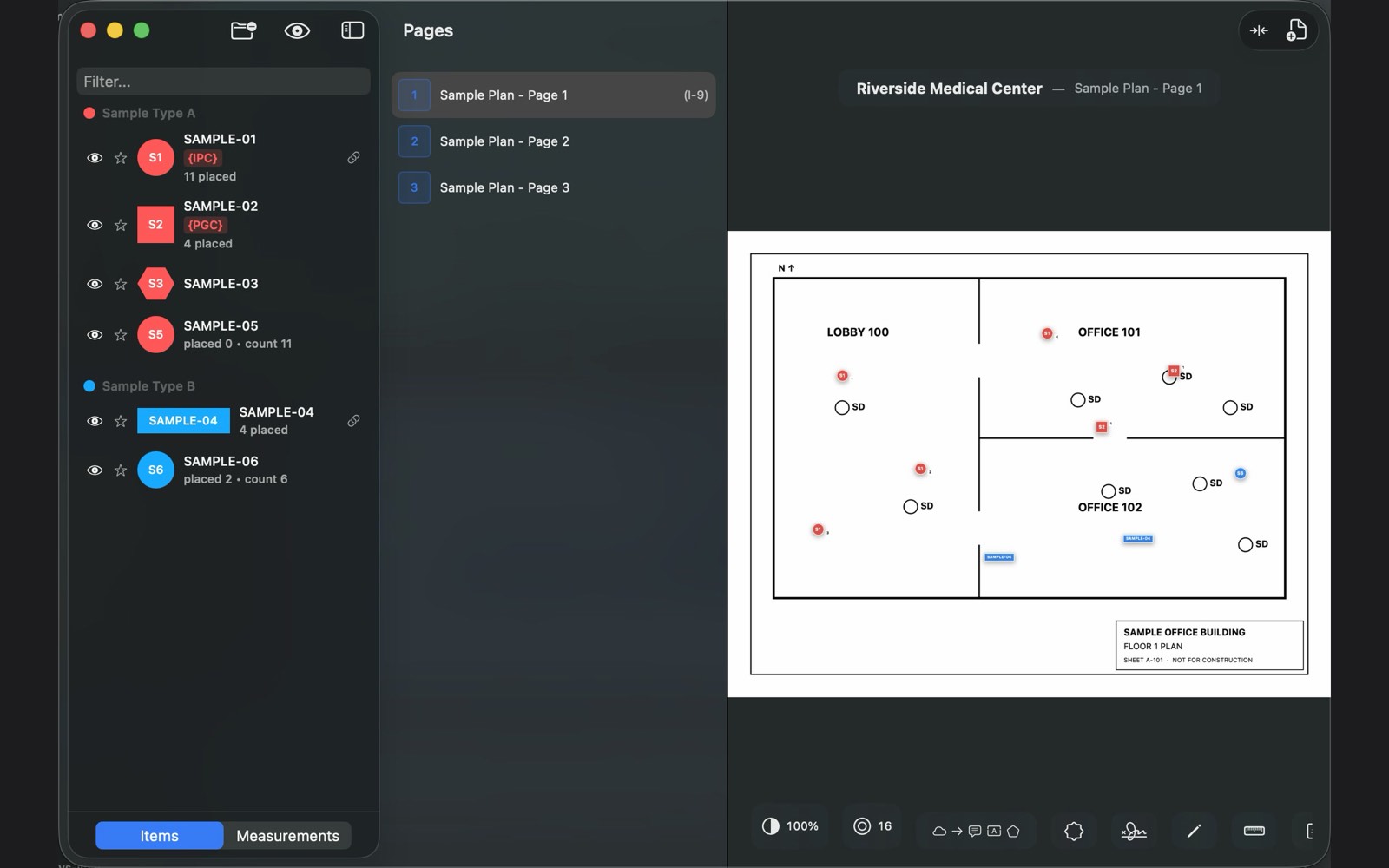
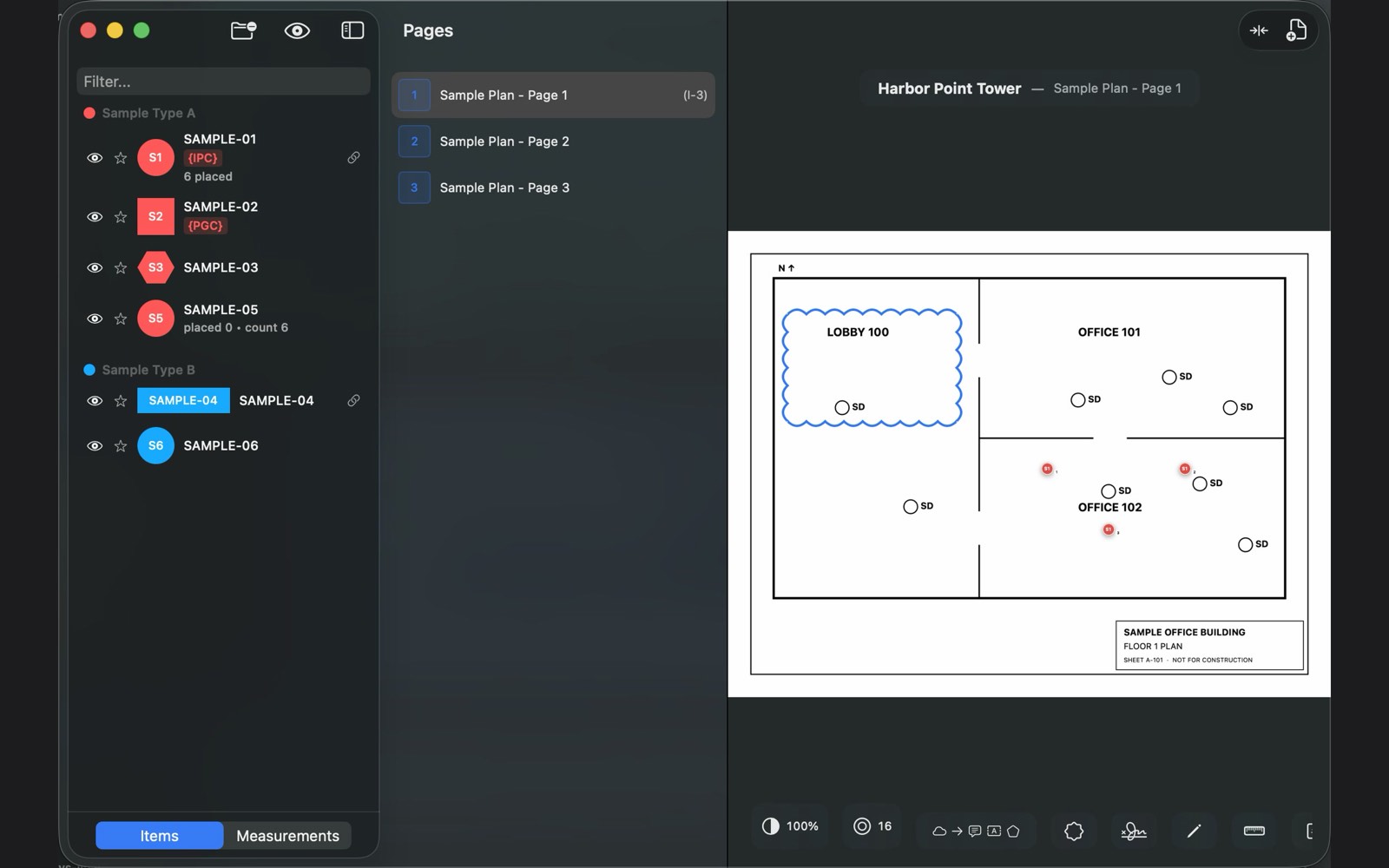
Place a custom symbol for every item type and let mTally keep the count. Filter, hide, and favorite item types as the sheet gets busy.
📏
Linear & Area Measurement
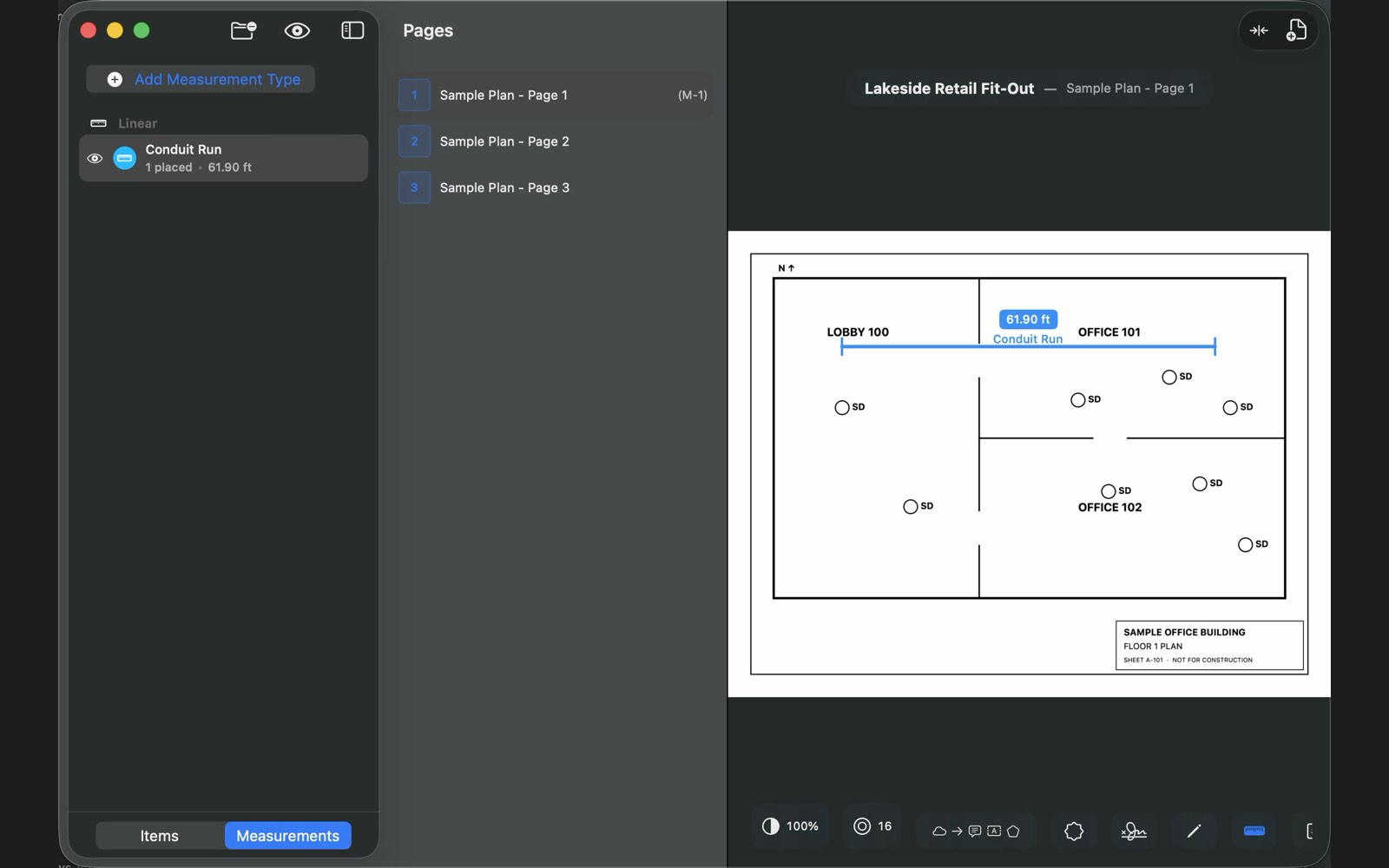
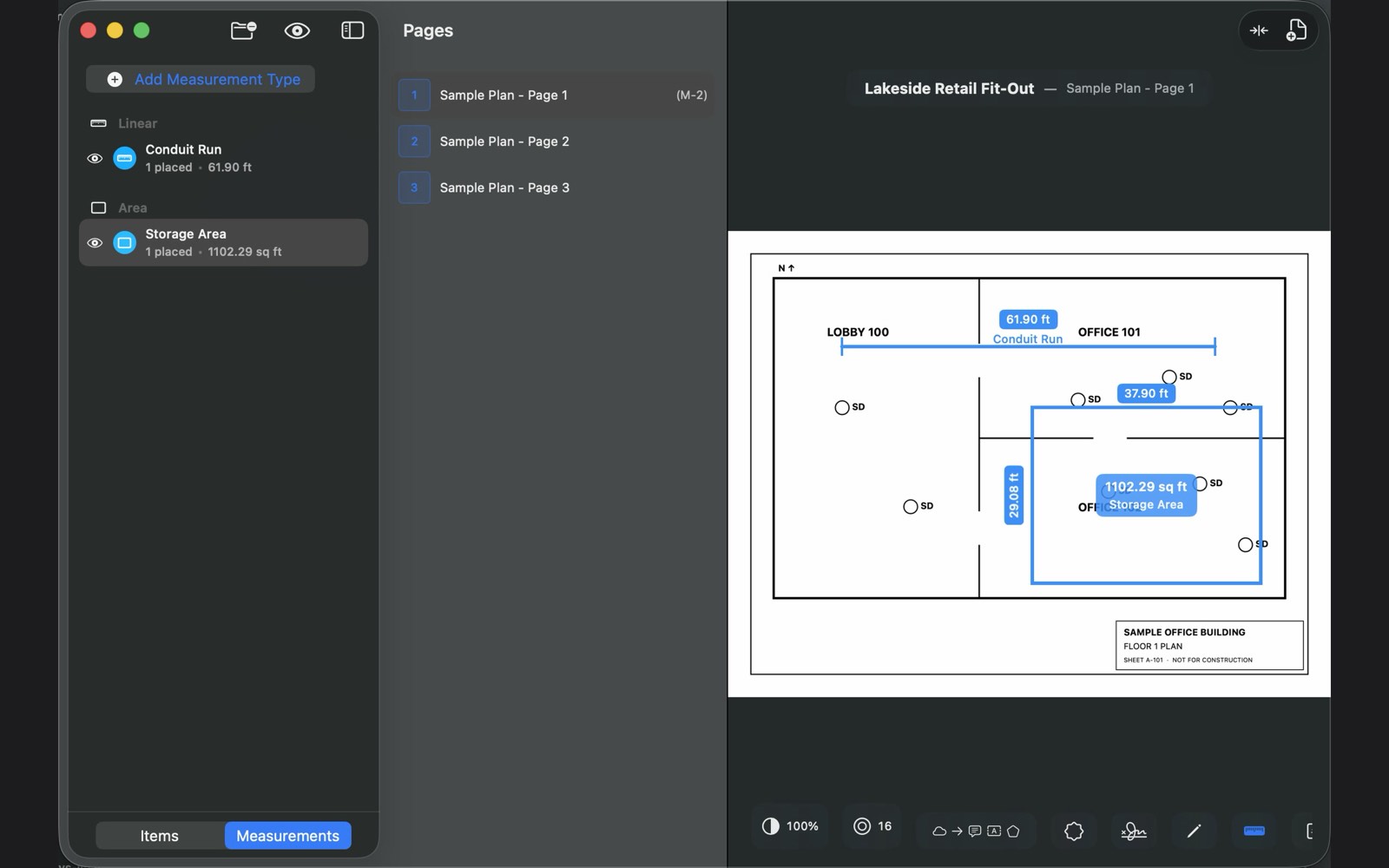
Set the scale once, then trace conduit runs, wall lengths, and room areas with real-world units.
✏️
Markup & Annotations
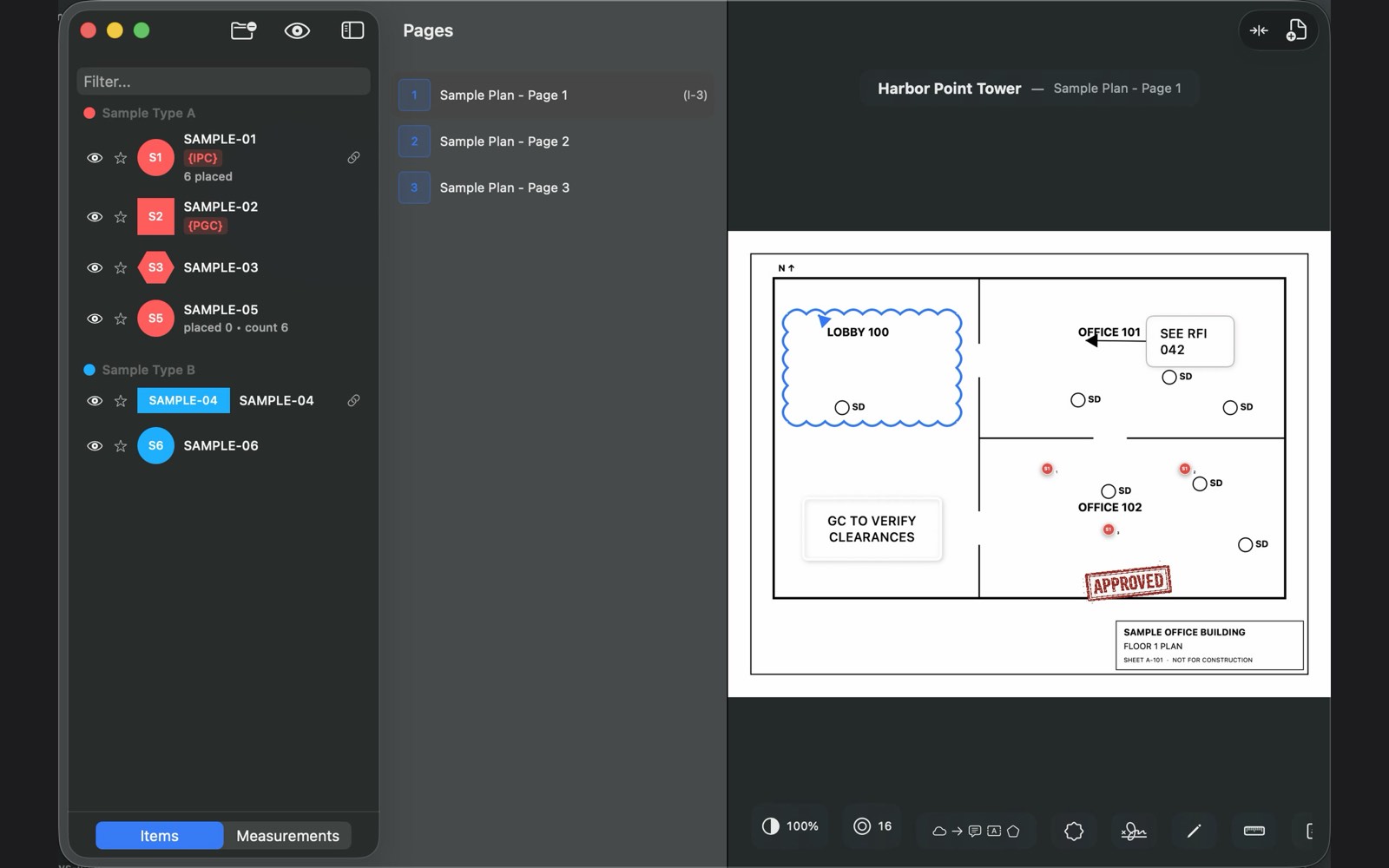
Clouds, callouts, text, shapes, and freehand ink — the full markup set, right on the drawing.
🏷️
Stamps
Drop reusable stamps for repeat notes and approvals instead of redrawing the same markup on every sheet.
📋
Automatic Legend
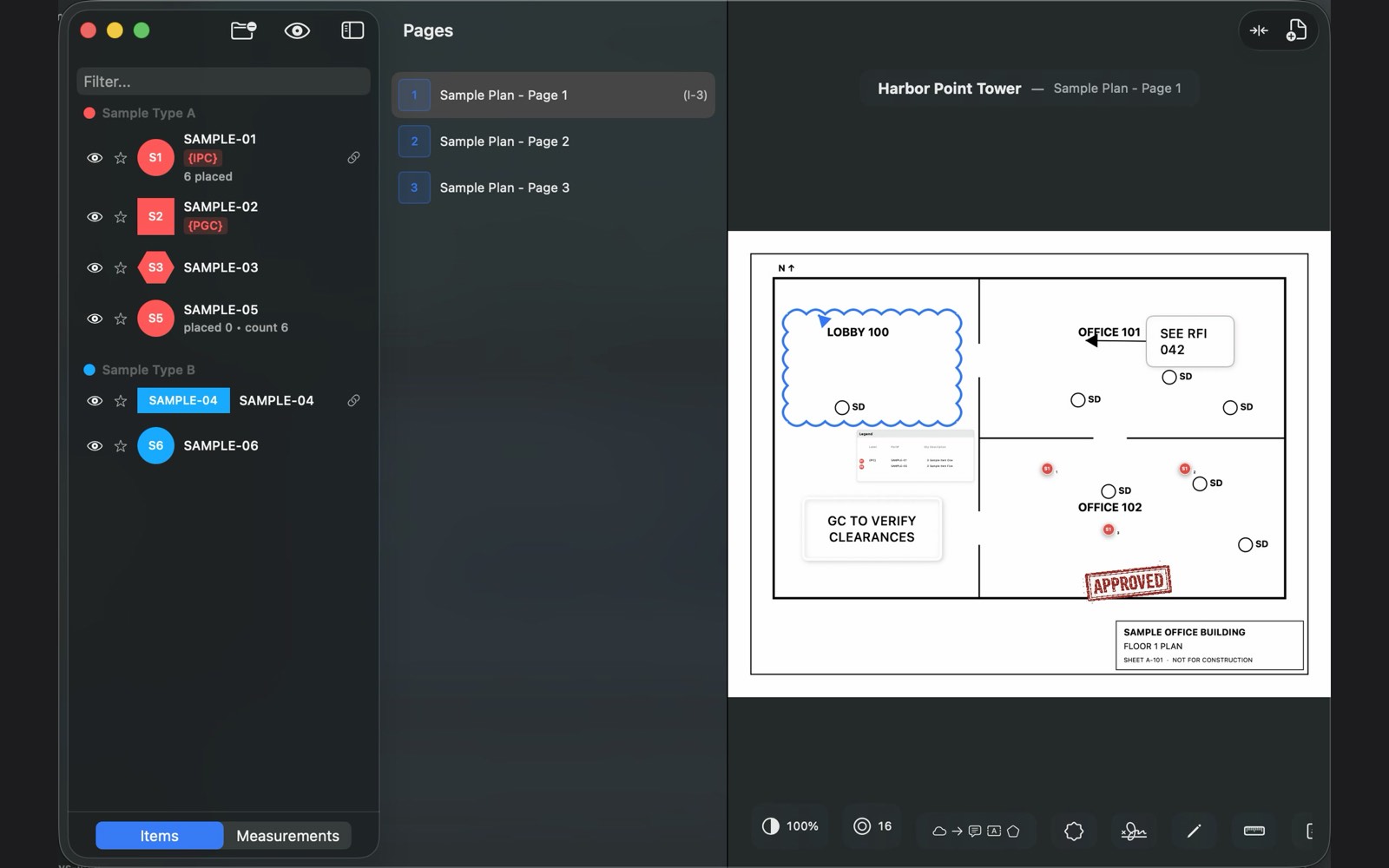
The legend builds itself from your item types and totals, and travels with the exported PDF.
☁️
iCloud Sync
Start a takeoff on the Mac, finish it on the iPad in the field, check a count on your iPhone. Your projects follow you across every device through iCloud.
🔏
Digital Signatures
Import your PKCS#12 certificate (.p12 or .pfx) and cryptographically sign the exported PDF — not a picture of a signature. The certificate chain is fetched automatically so Adobe trusts it.
🔍
Visual Symbol Search
Draw a box around one symbol and mTally finds every match across the sheet or the whole set — then places your item at all of them in a single action.
✨
…and many more
Coverage areas, auto-numbering labels, linked items and pack math, revision clouds and delta tables, CSV catalogs, named undo for everything.
See all features →